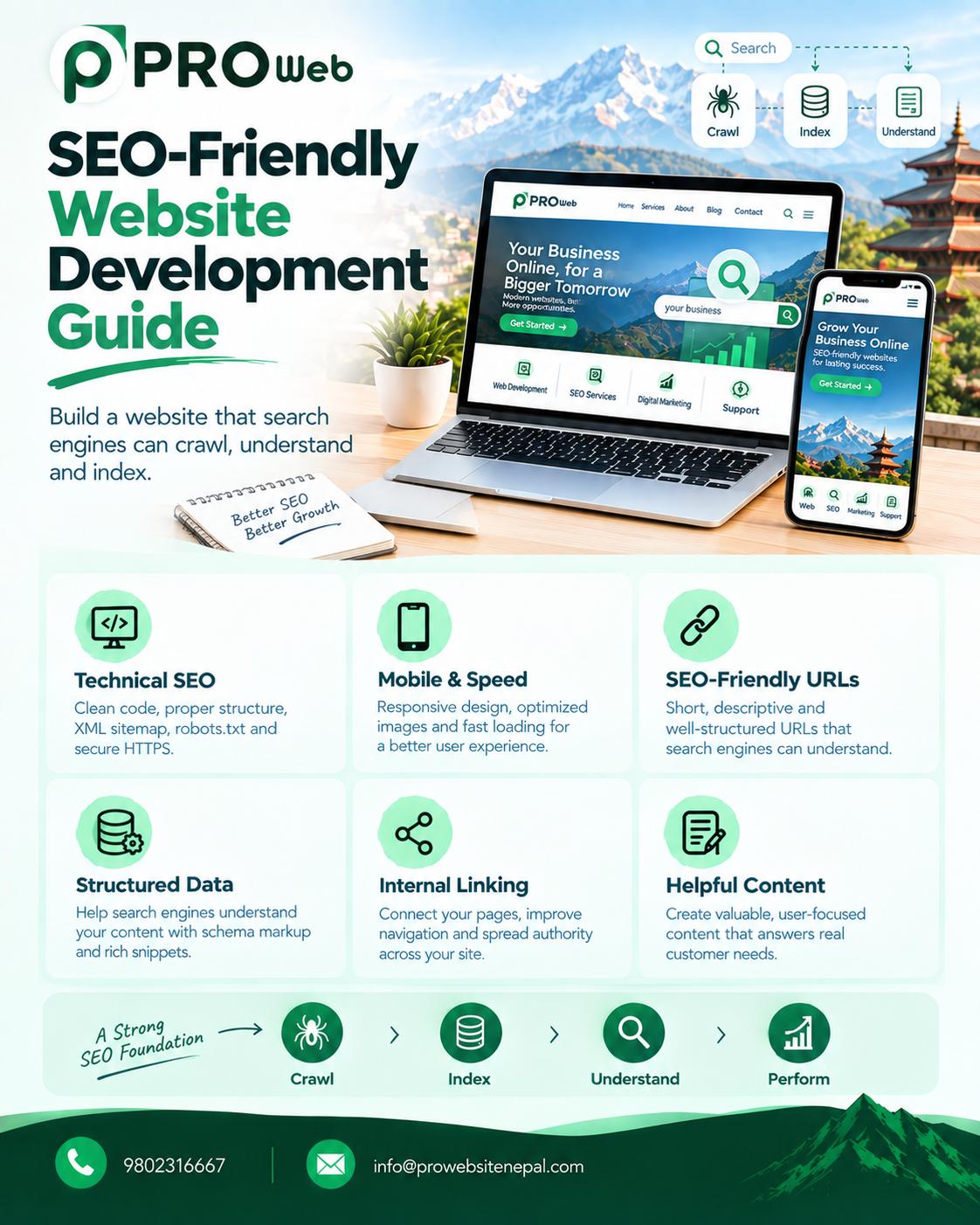
SEO-Friendly Website Development Guide: How to Build a Website That Search Engines Can Understand
A website can look modern, load beautifully, and provide an excellent user experience—but if search engines cannot properly crawl, understand, and index it, the website may struggle to attract organic traffic.
That is why SEO should be considered during website development, not added only after the website is launched.
SEO-friendly website development combines technical development, website architecture, content structure, performance, mobile usability, security, and search-engine accessibility. Google recommends creating helpful, people-first content while ensuring that websites are technically accessible, secure, mobile-friendly, and understandable to search engines.
For businesses in Nepal, this is particularly important because a website can target searches related to a company, service, location, product, or industry. A properly structured website gives search engines clearer information about what the business offers and which pages are relevant to potential customers.
What Is SEO-Friendly Website Development?
SEO-friendly website development means building a website with technical and structural decisions that make it easier for search engines to:
Discover pages
Crawl the website
Understand content
Process links
Index important pages
Understand page relationships
Interpret structured information
Render JavaScript content
Provide useful search results
At the same time, the website should be easy for people to use.
Google's Search Essentials emphasize technical accessibility, helpful content, crawlable links, appropriate search-related metadata, and following spam policies.
SEO-friendly development therefore involves much more than adding keywords to a webpage.
Why SEO Should Start During Development
Many businesses launch a website first and think about SEO later.
This can create unnecessary technical work.
For example, developers may need to later change:
URL structures
Page hierarchy
Navigation
Heading structure
Internal links
Metadata
Image handling
Rendering methods
Redirects
Canonical URLs
Website performance
Planning these elements during development can create a stronger foundation from the beginning.
SEO is not a separate layer that simply gets placed on top of a website. It is influenced by how the website is designed, developed, structured, and maintained.
1. Start With SEO-Friendly Website Architecture
Website architecture describes how pages are organized and connected.
A clear structure might look like:
Home
│
├── About
├── Services
│   ├── Website Development
│   ├── SEO Services
│   └── Ecommerce Development
│
├── Portfolio
├── Blog
└── Contact
This structure makes the website easier for visitors to navigate and gives search engines clear relationships between pages.
A business should avoid creating dozens of disconnected pages simply to target keywords.
Instead, each page should have a clear purpose.
2. Create Descriptive URLs
URLs should communicate what a page is about.
For example:
example.com/services/web-development
is generally more descriptive than:
example.com/page?id=27
A good URL structure can make pages easier for users and search engines to understand.
Google's crawling and indexing documentation specifically covers URL structures, canonicalization, crawlability, and related technical considerations.
For a Nepal-based business, descriptive URLs could look like:
example.com/website-development-nepal
example.com/ecommerce-development
example.com/services/web-design
The URL should remain natural rather than being filled with repeated keywords.
3. Use Proper HTML Structure
Semantic HTML helps define the purpose of different parts of a webpage.
Important elements include:
<header>
<nav>
<main>
<section>
<article>
<footer>
Headings should also follow a logical hierarchy.
For example:
H1: SEO-Friendly Website Development
    H2: Technical SEO
        H3: Website Speed
        H3: Mobile Optimization
    H2: Content Structure
        H3: Internal Linking
The goal is not to use headings simply because they contain keywords.
The headings should organize the content for users and communicate the page structure.
4. Give Every Important Page a Unique Title
The HTML <title> element is an important part of how a page is described in search.
For example:
<title>Custom Website Development in Nepal | Professional Website Nepal</title>
Each important page should have a title that accurately describes its content.
Avoid giving every page the same title.
For example:
Home
About
Services
Contact
should not all have:
Professional Website Nepal
as their only title.
Google's developer documentation recommends unique, descriptive title elements and meta descriptions to help users understand search results.
5. Write Useful Meta Descriptions
A meta description can summarize what a page is about.
Example:
<meta
name="description"
content="Custom website development in Nepal with responsive design, SEO-friendly architecture, fast performance and scalable solutions."
>
A good description should:
Describe the page accurately
Help users understand what they will find
Be written naturally
Be unique where appropriate
Meta descriptions are not simply spaces to repeat keywords.
Their primary purpose is to communicate what the page offers.
6. Build Mobile-Friendly Websites
A modern business website needs to work across:
Smartphones
Tablets
Laptops
Desktop computers
Mobile-friendly development includes:
Responsive layouts
Flexible images
Readable text
Touch-friendly buttons
Mobile navigation
Proper spacing
Fast loading
Usable forms
Google's current page-experience guidance recommends that pages display well on mobile devices and provide a good overall user experience.
For businesses targeting customers in Nepal, mobile usability is particularly important because many users access websites primarily through smartphones.
7. Improve Website Speed
Website speed affects both user experience and how efficiently pages can be processed.
Performance optimization can involve:
Compressing images
Using modern image formats
Lazy-loading appropriate images
Reducing unnecessary JavaScript
Minifying CSS and JavaScript
Using browser caching
Optimizing database queries
Reducing third-party scripts
Using appropriate hosting
Implementing CDN delivery where useful
Google recommends monitoring Core Web Vitals as part of understanding page experience.
8. Understand Core Web Vitals
Google's Core Web Vitals currently focus on three user-experience measurements:
LCP — Largest Contentful Paint
Measures loading performance.
Google recommends an LCP of 2.5 seconds or less for a good user experience.
INP — Interaction to Next Paint
Measures responsiveness.
A good target is less than 200 milliseconds.
CLS — Cumulative Layout Shift
Measures visual stability.
A good target is less than 0.1.
These are real-world user experience measurements, and Google recommends achieving good Core Web Vitals for Search success and overall usability.
However, a perfect Core Web Vitals score does not guarantee high Google rankings. Google explicitly notes that page experience is only one part of its broader systems.
9. Use HTTPS
An SEO-friendly website should use HTTPS.
HTTPS provides encrypted communication between the visitor and website.
It is particularly important for websites handling:
Login information
Contact forms
Customer information
Payments
Accounts
Google's developer guidance recommends serving websites securely over HTTPS.
10. Create Crawlable Links
Search engines discover pages through links.
Important pages should therefore be connected through normal, crawlable navigation.
For example:
<a href="/services/web-development">
    Web Development
</a>
Internal links can help:
Visitors discover related content
Search engines discover pages
Establish relationships between pages
Distribute internal authority through the site
Google's Search Essentials specifically recommends making links crawlable so Google can discover other pages through them.
11. Create a Logical Internal Linking Structure
Internal linking is one of the most useful SEO considerations during development.
For example, a blog article about ecommerce development could link to:
Ecommerce Development
        ↓
Payment Gateway Integration
        ↓
Ecommerce SEO
        ↓
Ecommerce Maintenance
This creates connections between related content.
Avoid adding internal links simply for the sake of adding links.
The link should help the visitor discover something relevant.
12. Create and Maintain an XML Sitemap
An XML sitemap provides search engines with information about URLs that are important on a website.
A sitemap can be especially useful for larger websites with:
Many pages
Frequently updated content
Ecommerce products
Blog articles
Multiple content sections
The sitemap should contain URLs that the site actually wants search engines to consider.
It should not be treated as a replacement for proper internal linking.
13. Configure robots.txt Correctly
The robots.txt file provides crawling instructions to search-engine crawlers.
For example:
User-agent: *
Disallow: /admin/
However, robots.txt should not be treated as a general method for removing pages from Google's index.
Google specifically explains that robots.txt controls crawling access, while noindex is used when the goal is to prevent a page from being indexed.
Incorrect robots.txt rules can accidentally prevent search engines from accessing important resources.
14. Use Canonical URLs
Websites can sometimes have multiple URLs representing the same or very similar content.
For example:
example.com/service
example.com/service/
example.com/?service=web
A canonical URL can communicate which version should be treated as the preferred URL.
Example:
<link
rel="canonical"
href="https://example.com/services/web-development"
>
Google describes rel="canonical" as a strong signal for indicating a preferred URL among duplicate or very similar pages.
Canonicalization should be planned carefully rather than added randomly.
15. Optimize Images
Images are important for both users and search engines.
SEO-friendly image implementation includes:
Descriptive filenames
Appropriate dimensions
Compression
Modern formats where suitable
Responsive images
Useful alt text
For example:
custom-website-development-nepal.webp
is more descriptive than:
IMG_9482.jpg
Alt text should describe the image when the image conveys meaningful information.
It should not be filled with repetitive keywords.
Google considers image attributes such as alt text while processing pages.
16. Create Helpful, People-First Content
Technical SEO cannot compensate for poor content.
A website should provide useful information for the people it is intended to serve.
Google's current guidance emphasizes helpful, reliable, people-first content rather than content created primarily to manipulate search rankings.
Business websites should clearly explain:
What the company does
Who it serves
What services it provides
What problems it solves
How customers can contact it
Why its offerings are relevant
17. Build Individual Service Pages
Instead of putting every service into one giant page, businesses can create dedicated pages when the services are genuinely different.
For example:
/services/web-development
/services/ecommerce-development
/services/web-design
/services/seo
Each page can then explain:
What the service is
Who it is for
Features
Process
Benefits
FAQs
Related services
Contact options
This creates a clearer information architecture.
18. Use Local SEO Structure
Businesses serving Nepal or specific Nepali cities can incorporate relevant local information naturally.
For example:
Nepal
Kathmandu
Lalitpur
Bhaktapur
Pokhara
Chitwan
depending on where the business actually operates.
Local information can appear in:
Service pages
Contact page
Business information
Location pages
Relevant content
However, businesses should avoid creating dozens of nearly identical location pages simply by changing the city name.
19. Add Structured Data Where Appropriate
Structured data provides explicit information about the meaning of webpage content.
Depending on the website, relevant structured data could describe:
Organization
Local business
Products
Articles
Breadcrumbs
Events
FAQs where eligible
Structured data can help Google understand page content and can make pages eligible for certain search features. Google recommends using structured data when appropriate and following its implementation guidelines.
Structured data does not guarantee that Google will display a rich result.
20. Use Breadcrumbs
Breadcrumbs help visitors understand where they are within a website.
For example:
Home
>
Services
>
Website Development
Breadcrumb navigation can be especially useful for websites with many pages or categories.
It can also help communicate the site's hierarchy.
21. Make JavaScript SEO-Friendly
Modern websites frequently use JavaScript frameworks.
Examples include:
React
Next.js
Vue
Angular
Laravel with JavaScript frontends
JavaScript itself is not inherently bad for SEO.
However, developers need to make sure important content and links can be properly discovered and rendered.
Google processes JavaScript through crawling, rendering, and indexing stages. Google also notes that server-side or pre-rendering can be beneficial because it can make websites faster for users and crawlers, and not every crawler necessarily executes JavaScript.
22. Pay Attention to HTTP Status Codes
Correct HTTP status codes help communicate what is happening with a URL.
Common examples include:
200
The page is available.
301
A permanent redirect.
302
A temporary redirect.
404
The requested page cannot be found.
410
The resource has been permanently removed.
Incorrect redirects and broken URLs can create technical SEO problems.
A website migration should therefore include a carefully planned redirect strategy.
23. Handle 404 Pages Properly
A custom 404 page can help users recover when they reach an invalid URL.
It could include:
Clear error message
Search
Main navigation
Popular pages
Link back to homepage
The goal is to help visitors continue navigating instead of reaching a dead end.
24. Avoid Duplicate Content Problems
Duplicate or substantially similar pages can make it harder for search engines to determine which URL should represent the content.
Common causes can include:
URL parameters
Multiple versions of URLs
Print pages
Duplicate category pages
Product variations
HTTP and HTTPS versions
WWW and non-WWW versions
Canonicalization, redirects, consistent internal linking, and appropriate site architecture can help manage these situations.
25. Build Accessible Websites
Accessibility and SEO are not identical, but many good development practices benefit both users and search engines.
Consider:
Semantic HTML
Descriptive link text
Alt text
Keyboard accessibility
Readable typography
Proper color contrast
Form labels
Logical navigation
A website should be designed for people first.
26. Connect Google Search Console
Google Search Console provides website owners with information about how their websites appear and perform in Google Search.
It can help identify:
Indexing issues
Search queries
Search impressions
Clicks
Technical problems
Core Web Vitals issues
Structured-data problems
Google describes Search Console as a tool for website owners, developers, and SEO professionals to understand website performance in Google Search.
27. Test Before Launch
SEO testing should happen before a website goes live.
A launch checklist can include:
Technical
HTTPS working
Correct status codes
No accidental
noindexrobots.txt checked
XML sitemap available
Canonical URLs correct
Internal links working
Content
Unique titles
Meta descriptions
Proper headings
Useful content
Image alt text
Correct URLs
Performance
Mobile testing
Core Web Vitals
Image optimization
JavaScript optimization
Page-speed testing
Search
Search Console configured
Sitemap submitted
Important pages accessible
No accidental staging restrictions
Google recommends tools such as URL Inspection and Rich Results Test to understand how Google sees a website.
SEO-Friendly Website Development Checklist
Before launching a business website, check the following:
SEO Area | Checklist |
|---|---|
Architecture | Clear page hierarchy |
URLs | Descriptive and consistent |
Titles | Unique and descriptive |
Meta descriptions | Useful and page-specific |
Headings | Logical H1/H2/H3 structure |
Mobile | Responsive design |
Speed | Optimized assets and code |
Core Web Vitals | LCP, INP, CLS monitored |
HTTPS | Enabled |
Images | Compressed with appropriate alt text |
Internal links | Important pages connected |
Sitemap | Created and maintained |
Robots.txt | Correctly configured |
Canonical | Correct where needed |
Structured data | Added where appropriate |
JavaScript | Important content crawlable/renderable |
404 | Helpful custom page |
Redirects | Correctly configured |
Search Console | Connected |
Content | Helpful and people-first |
Common SEO Development Mistakes
1. Building SEO After Launch
Trying to repair architecture after launch can create unnecessary development work.
2. Using Too Many Plugins
Third-party components can increase maintenance and performance requirements.
3. Ignoring Mobile
A desktop-only approach creates usability problems on smaller screens.
4. Using Huge Images
Large images can unnecessarily increase loading times.
5. Blocking Important Pages
Incorrect robots.txt or noindex configurations can prevent important content from appearing in Search.
6. Creating Keyword-Filled Content
SEO content should serve people rather than simply repeating keywords.
7. Using Poor URL Structures
Changing URLs repeatedly can create redirects and indexing complications.
8. Ignoring JavaScript Rendering
Important content hidden behind client-side rendering should be tested to ensure search engines can process it correctly.
SEO-Friendly Website Development for Businesses in Nepal
For Nepali businesses, SEO-friendly development can be particularly useful when the website targets searches involving:
Business services
Products
Industries
Nepal
Kathmandu
Local cities
Specific customer needs
A business website should make it clear:
Who are you?
What do you offer?
Where do you operate?
Who are your customers?
Why is your content useful?
This information should be reflected naturally through the website's architecture, content, navigation, metadata, and technical implementation.
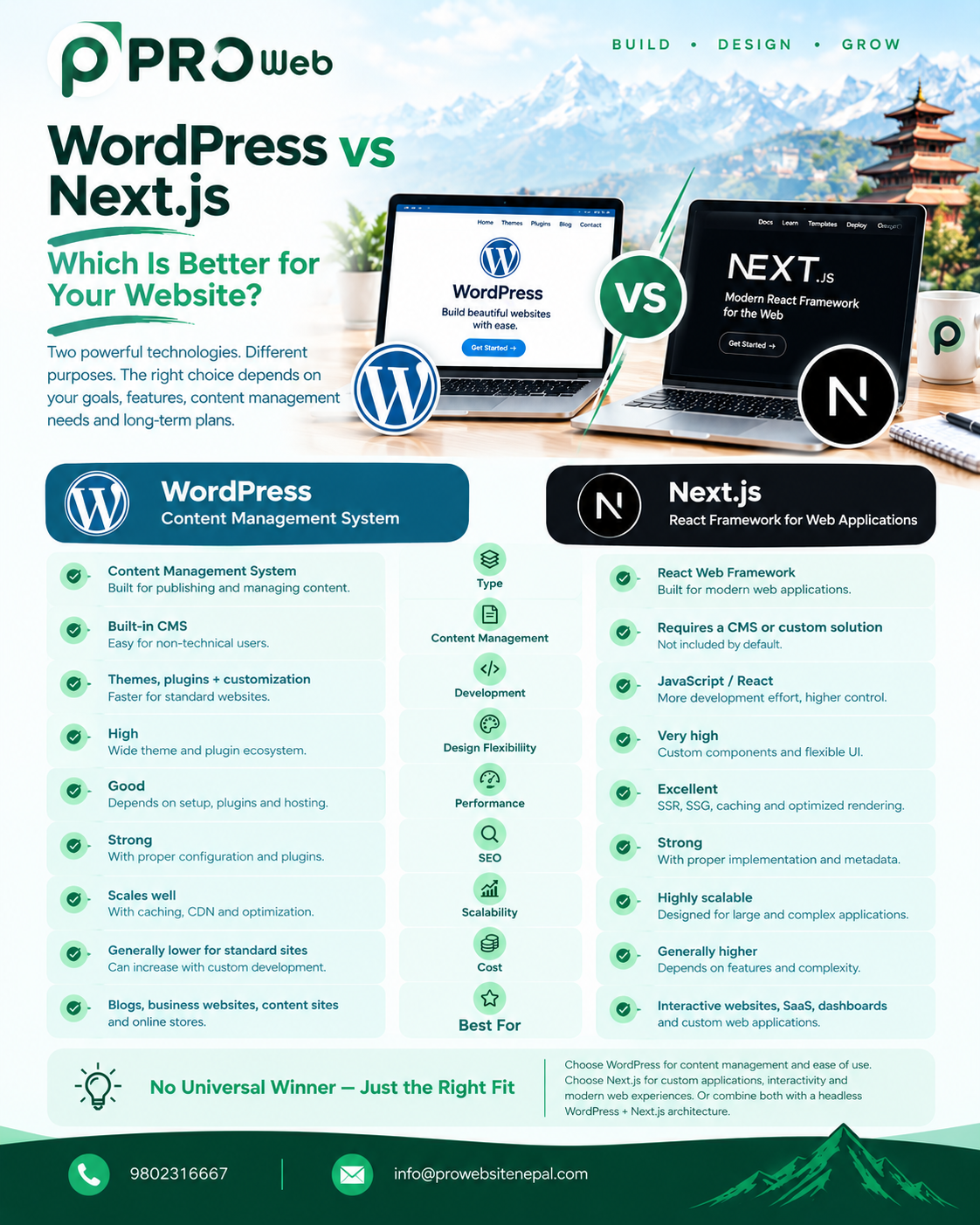
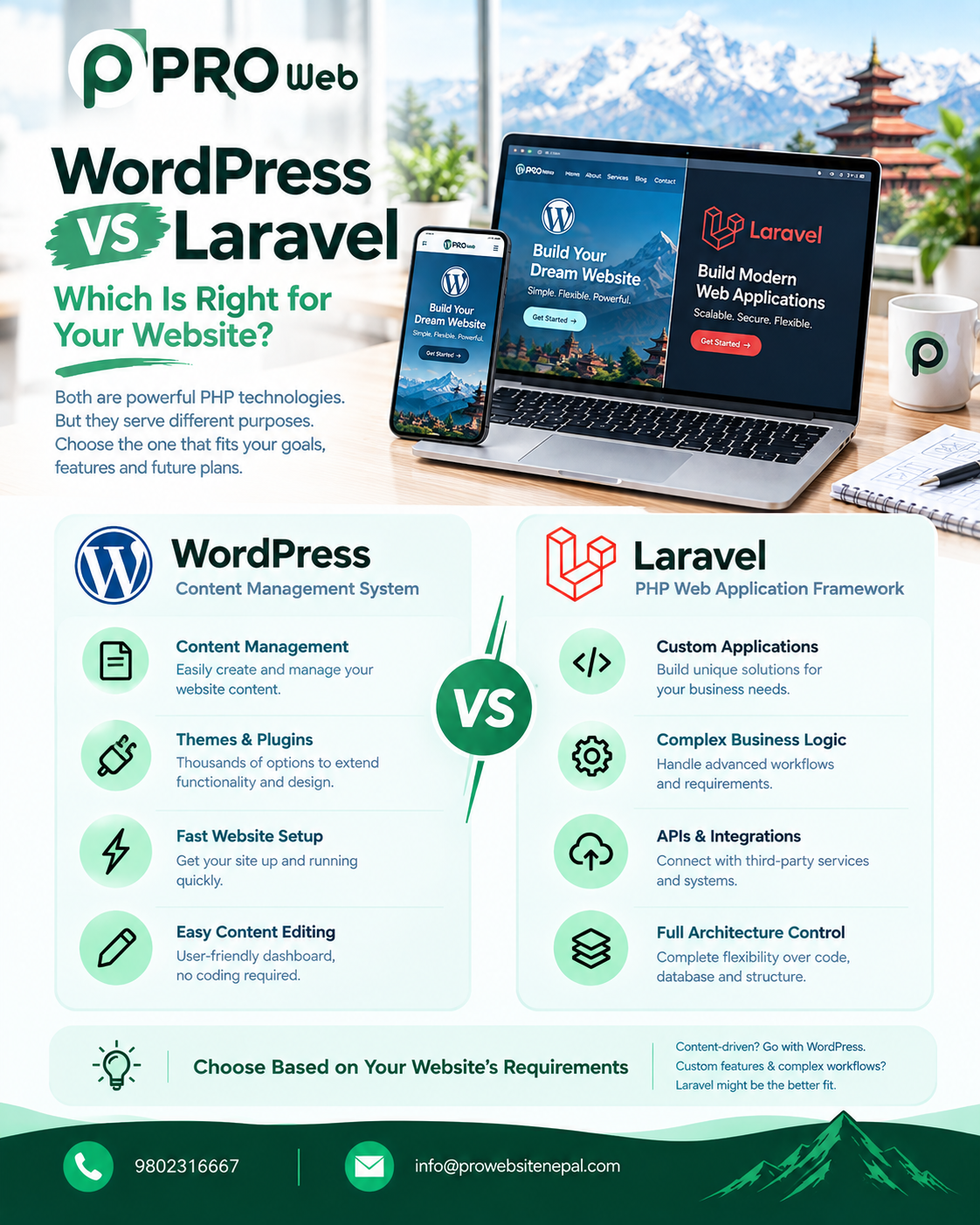
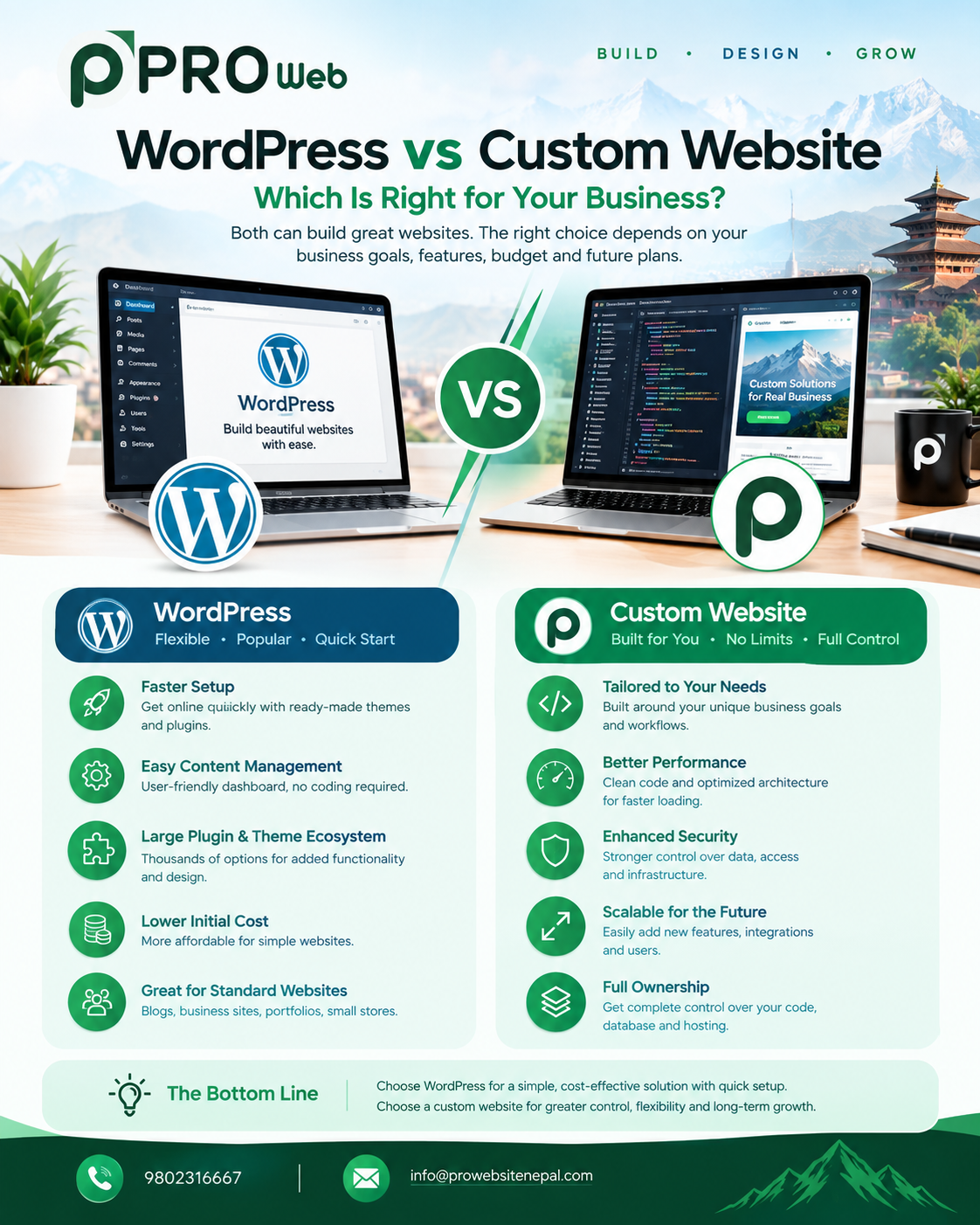
WordPress vs Custom Development for SEO
Both WordPress and custom-developed websites can be built with SEO in mind.
The important factor is not simply the technology name.
WordPress
Can provide:
CMS functionality
Plugins
Easy content management
SEO tools
Rapid development
However, poorly configured plugins, themes, or excessive third-party components can create performance and maintenance issues.
Custom Development
Can provide:
Greater control over architecture
Custom functionality
Clean implementation
Tailored database structures
Custom performance optimization
However, developers still need to intentionally implement SEO fundamentals.
A custom website is not automatically SEO-friendly simply because it is custom.
SEO and Website Performance
SEO-friendly development should balance search visibility with user experience.
Google recommends looking at page experience holistically rather than trying to optimize only one metric. Good Core Web Vitals are recommended, but Google states that they do not guarantee top search rankings.
Therefore, developers should avoid building websites solely to achieve a perfect technical score.
The real goal is:
Fast + Accessible + Useful + Secure + Crawlable + Easy to Navigate
SEO Is Not Just About Google
A well-structured website also benefits:
Users
Other search engines
Accessibility tools
Social sharing
Website maintenance
Developers
Future redesigns
Clean architecture, descriptive content, proper links, optimized media, and responsive design are useful beyond search rankings.
Professional Website Nepal's Approach
At Professional Website Nepal, SEO-friendly development can be incorporated into the website from the planning and development stages rather than treating SEO as something added after launch.
The development approach can focus on:
Clean code
Search-friendly architecture
Responsive design
Fast performance
Technical SEO
Semantic HTML
Optimized images
Proper metadata
Crawlable navigation
Secure implementation
Scalable development
For businesses in Nepal, the website can also be structured around the actual services, target customers, locations, and search intent of the business.
The objective is not simply to build a website that looks good.
It is to create a website that is useful to visitors, understandable to search engines, and technically prepared for long-term growth.
Final Thoughts
An SEO-friendly website begins long before the first SEO report is generated.
It begins with:
Architecture → Code → Content → Performance → Mobile → Technical SEO → Monitoring
A website should be easy for people to use and easy for search engines to crawl, render, understand, and index.
Google's current Search Essentials emphasize helpful people-first content, crawlable links, appropriate technical implementation, and compliance with search policies.
There is also no single SEO setting that guarantees high rankings. Search performance depends on many factors, and meeting technical requirements alone does not guarantee that Google will crawl, index, or rank a page.
For businesses planning a new website, the most practical approach is to treat SEO as part of the website development process from day one.
Frequently Asked Questions
What is an SEO-friendly website?
An SEO-friendly website is built so that search engines can efficiently crawl, render, understand, and index its pages while providing a useful experience for visitors.
Should SEO be done before or after website development?
SEO should begin during planning and development. Content optimization and ongoing SEO can continue after launch.
Does a fast website automatically rank higher?
No. Performance and page experience are important considerations, but Google uses many signals and states that good Core Web Vitals do not guarantee top rankings.
Is WordPress good for SEO?
WordPress can support SEO-friendly websites, but the implementation matters. Theme quality, plugins, hosting, content, architecture, performance, and technical configuration all affect the final result.
Is custom development better for SEO?
Custom development provides greater control over the implementation, but it does not automatically make a website SEO-friendly. SEO fundamentals still need to be implemented correctly.
What are Core Web Vitals?
Core Web Vitals are Google's user-experience metrics covering loading performance, responsiveness, and visual stability: LCP, INP, and CLS.
Does JavaScript hurt SEO?
JavaScript itself does not automatically prevent SEO. Google Search can process JavaScript, but developers need to ensure important content and links can be properly crawled and rendered.
What is technical SEO?
Technical SEO focuses on the technical aspects that help search engines access and understand a website, including crawling, indexing, URLs, redirects, structured data, performance, mobile usability, HTTPS, and website architecture.
Does adding more keywords improve SEO?
Simply adding more keywords is not a reliable SEO strategy. Google's current guidance emphasizes useful, people-first content rather than content created primarily to manipulate rankings.
How often should an SEO-friendly website be maintained?
SEO-friendly websites should be monitored continuously. Technical issues, broken links, performance changes, indexing problems, content changes, and software updates can all create new SEO considerations over time.